Policy Deep Dive: Can I Get a Refund on Digital PSN Games? Rules Explained
We have all been there. You succumb to the hype. You buy a game for $70. You play it for 20 minutes. You realize it is absolute garbage.
On Steam, you would just hit "Refund" (as long as you played less than 2 hours).
On PlayStation Network (PSN), it is a completely different story.
Sony is notorious for having one of the strictest refund policies in the industry. Many gamers assume they have consumer rights that, in the digital world of PSN, simply don't exist.
Today, we are demystifying the rules. Can you get your money back? Where does the money go? And what happens if you bought it with a Gift Card?
1. The Golden Rule: DO NOT DOWNLOAD
This is the most critical sentence in this entire article.
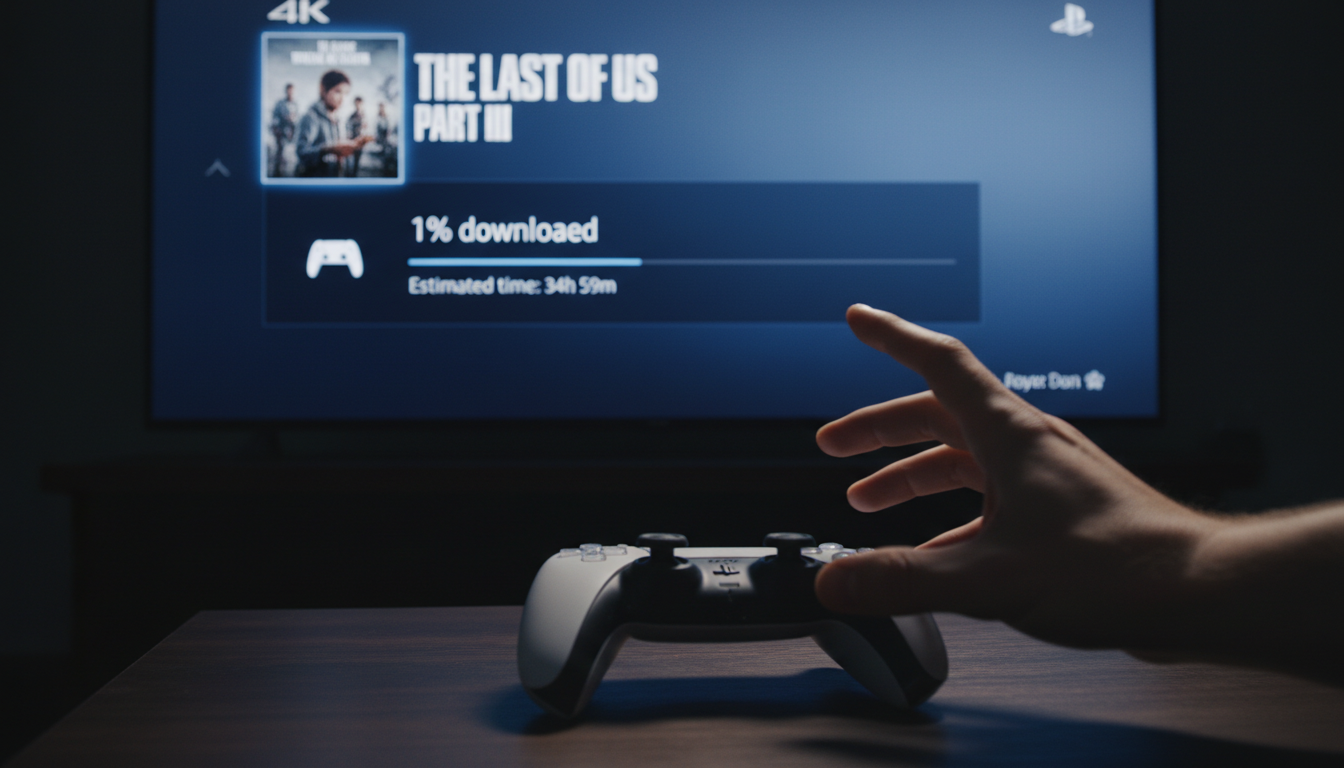
If you have started downloading the game, you are ineligible for a refund.
It doesn't matter if you haven't played it. It doesn't matter if you haven't even launched it.
According to Sony's Terms of Service:
"Digital content that you have started downloading or streaming, and in-game consumables that have been delivered, are not eligible for a refund unless the content is faulty."
The Trap: Most PS5s have "Auto-Download" enabled. If you buy a game via the mobile app, your console at home might start downloading it instantly.
The Fix: If you buy a game and have "Buyer’s Remorse," do not turn on your console. Contact support immediately via a web browser.
2. The 14-Day Window
If you have NOT downloaded the game, you have 14 days from the date of purchase to request a refund.
-
Pre-Orders: You can refund a pre-order any time before the release date. If the release date passes, the 14-day rule kicks in (and the "Do Not Download" rule applies).
.png)
3. The "Faulty Content" Exception (The Cyberpunk Rule)
The only exception to the "No Download" rule is if the content is "Faulty."
Warning: "I don't like the game" or " The frame rate drops sometimes" does NOT count as faulty.
"Faulty" usually means the game is fundamentally broken and unplayable, and the developer has admitted it.
-
Example: Cyberpunk 2077 at launch was so broken Sony offered unconditional refunds.
-
Example: Suicide Squad servers being offline for days.
Unless it is a massive, public disaster, do not rely on the "Faulty" clause.
4. Where Does the Money Go? (The Wallet Loop)
This is crucial for HC TOPUP customers.
If you manage to get a refund approved, how do you get paid?
-
If you paid with Credit Card: Sony usually attempts to refund to the card, but often defaults to the PSN Wallet.
-
If you paid with Gift Cards/Wallet Balance: The money is returned to your PSN Wallet.
You cannot cash out.
Once money is in the PlayStation ecosystem (via Gift Card), it stays there. You cannot ask Sony to wire the money to your bank account. You will have store credit to buy a different game.
5. The Fatal Mistake: Chargebacks
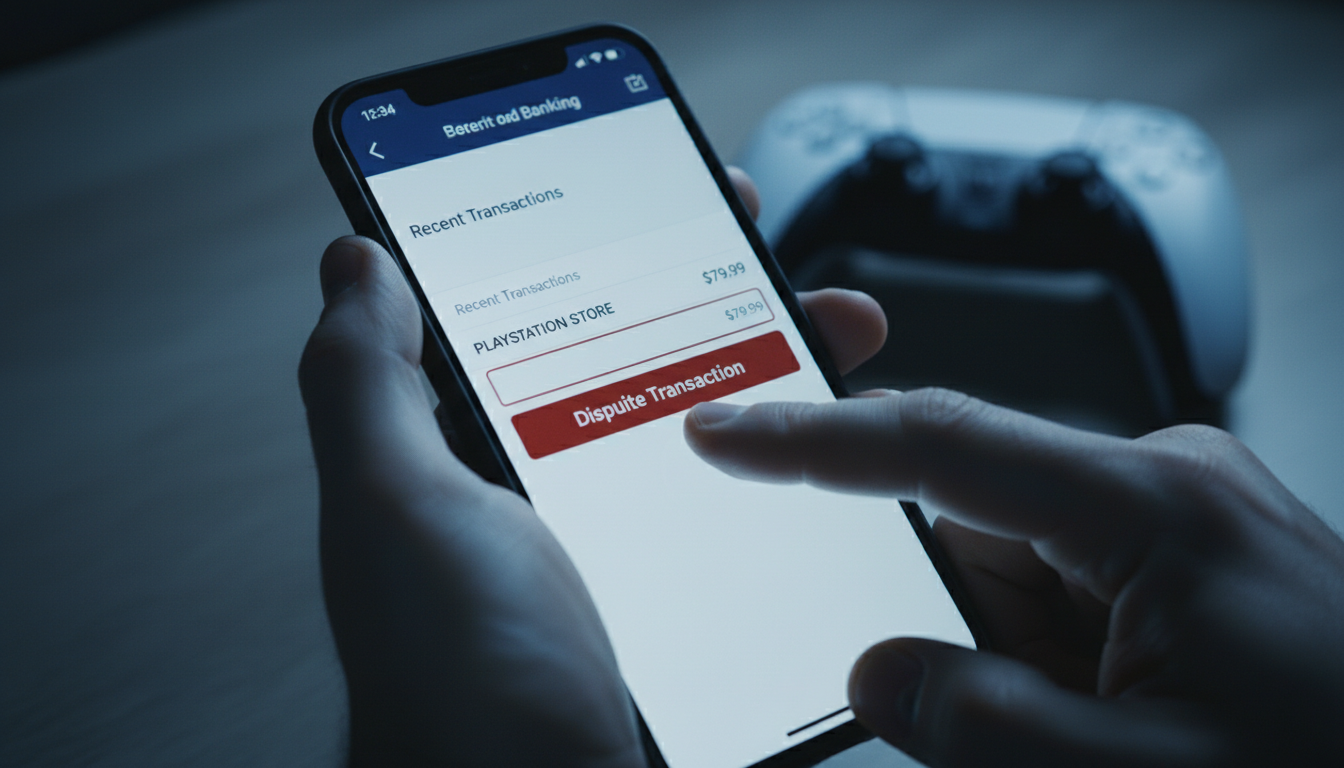
Some gamers get angry when Sony denies a refund, so they call their bank and file a Chargeback (Dispute).
DO NOT DO THIS.
If you chargeback a PSN transaction:
-
Sony loses the money.
-
Sony automatically permanently bans your account.
-
You lose access to every game you have ever bought in the last 10 years.
A $70 refund is not worth losing a $2,000 digital library. Never chargeback. Always negotiate with Support.
6. Summary: How to Protect Yourself
Since refunds are so hard to get:
-
Read Reviews First: Don't pre-order unless you are 100% sure.
-
Turn off Auto-Download: If you are unsure about a purchase, disable this setting on your PS5.
-
Use Gift Cards: Buying games with Gift Cards from HC TOPUP helps you budget. If you buy a bad game, the refund stays in your wallet for the next game, which is fine since you were going to spend that money on games anyway.
.png)
Play safe, spend smart.
[Top Up Your Wallet Securely Here]
👉 Return to Base: The Ultimate Global Gamer's Guide