PC Gamer Guide: How to Play Starfield & Forza without an Xbox using Gift Cards
Let’s address the elephant in the room: The "Console War" is effectively over for PC gamers.
Gone are the days when you had to buy a green box to play Halo or a blue box to play God of War. Microsoft has fully embraced the "Play Anywhere" philosophy, meaning the barrier between your high-end gaming rig and the Xbox library has officially dissolved.
If you want to explore the 1,000 planets of Starfield or drift through the vibrant streets of Mexico in Forza Horizon 5, you don't need an Xbox Series X sitting under your TV. You just need your PC, a Microsoft account, and a tactical understanding of how to use Gift Cards to bypass the "Steam Tax."
As a hardcore PC gamer, you might despise the Windows Store interface (we all do), but today I’m going to show you why it is the "Secret Level" of gaming savings.
1. The Death of Steam's Regional Pricing (And Why Windows Store is Winning)
For years, PC gamers stayed on Steam because of its legendary regional pricing. But lately, Lord Gaben has been tightening the screws. With the conversion of many regional stores (Turkey, Argentina, etc.) to USD, the price of AAA games has skyrocketed for players in the Middle East, Southeast Asia, and South America.
The Windows Store Edge:
While Steam is standardizing prices, the Microsoft Store (Windows Store) still offers significant regional flexibility. More importantly, it supports Microsoft/Xbox Gift Cards, which can be sourced from HC TOPUP at competitive rates.
When Starfield launched, many Steam users found themselves paying full US prices ($70). Meanwhile, savvy PC gamers used discounted Microsoft Gift Cards to fund their accounts, effectively getting the same game for 20-30% less.
2. Understanding "Xbox Play Anywhere"
This is the single most underrated feature in modern gaming. When you buy a game like Forza Horizon 5 or Sea of Thieves digitally on the Windows Store (using your Gift Card balance):
-
Dual License: You own the game on both PC and Xbox.
-
Cross-Save: You can start a mission on your PC, and if you ever visit a friend’s house and log into their Xbox, your save file is right there.
-
No Extra Cost: You aren't paying for two versions. One Gift Card purchase covers both.
If you buy the same game on Steam, you are locked into the Steam ecosystem. No cross-buy, no console flexibility. For the long-term gamer, the Windows Store license is technically "superior" value.
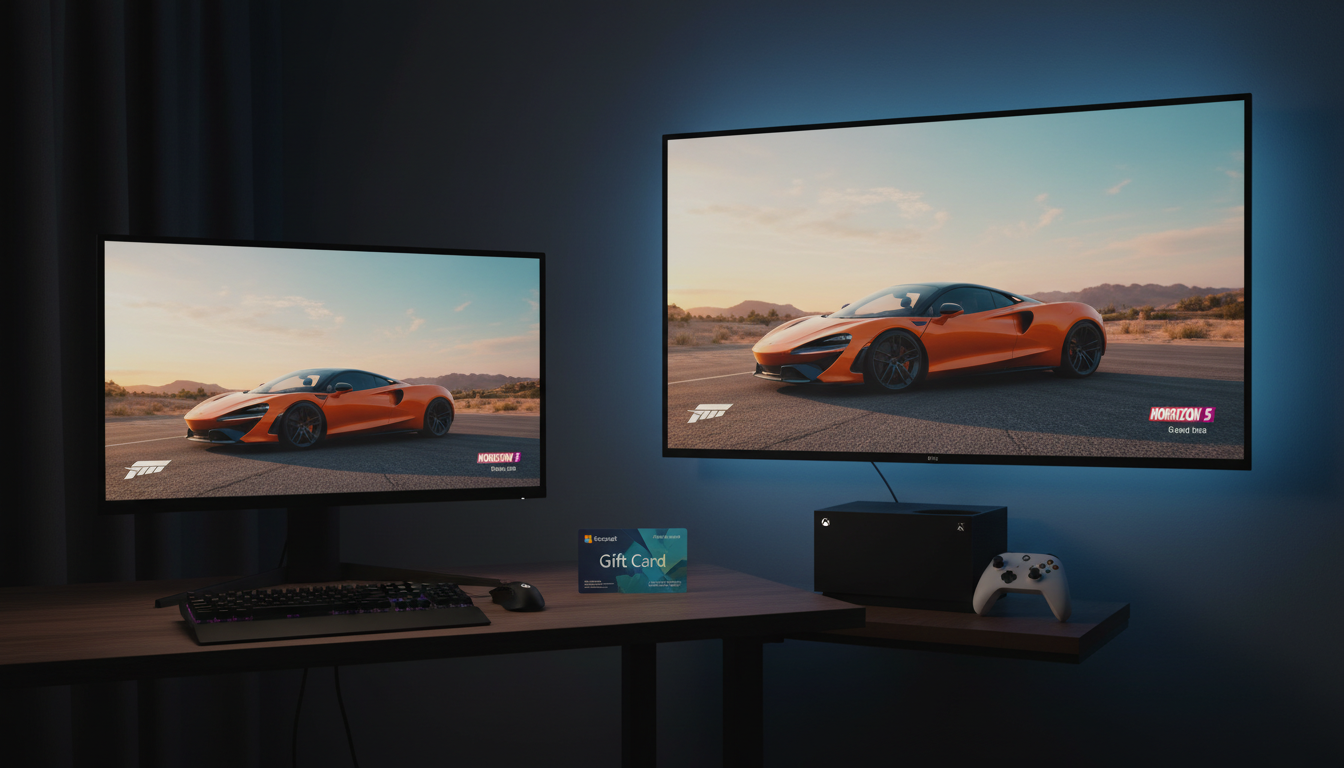
3. How to Setup Your "No-Console" Rig
Setting this up is easier than installing a mod manager. Follow the protocol:
Step 1: The Account Prep
Ensure your Windows 10/11 is logged into a US-Region Microsoft Account.
-
Why US? Because the US Microsoft Store has the largest library and never censors titles.
-
Pro Tip: You can change your PC's region in Settings > Time & Language > Region to "United States" to see the full catalog without needing a VPN for the actual app.
Step 2: The Funding (HC TOPUP Strategy)
Don't link your local credit card to the Microsoft Store. International transaction fees and exchange rate "surprises" will eat your budget.
-
Go to HC TOPUP.
-
Purchase an Xbox/Microsoft Gift Card (they are the same thing).
-
Redeem the code at redeem.microsoft.com.
-
Your balance is now "USD Hard Cash" in your account.
Step 3: The Xbox App
Open the Xbox App (pre-installed on Windows). Search for Starfield or Forza. Click "Buy" or "Install" (if using Game Pass). It will use your Gift Card balance first before even looking at a credit card.
4. Game Pass for PC: The Ultimate "Rental" Hack
Maybe you don't want to own Starfield forever. You just want to play it for a month and move on.
The PC Game Pass (which you can fund entirely with Gift Cards) is the best deal in the history of PC gaming.
For the price of a single lunch (10−10-10−15), you get access to every first-party Microsoft game on Day One.
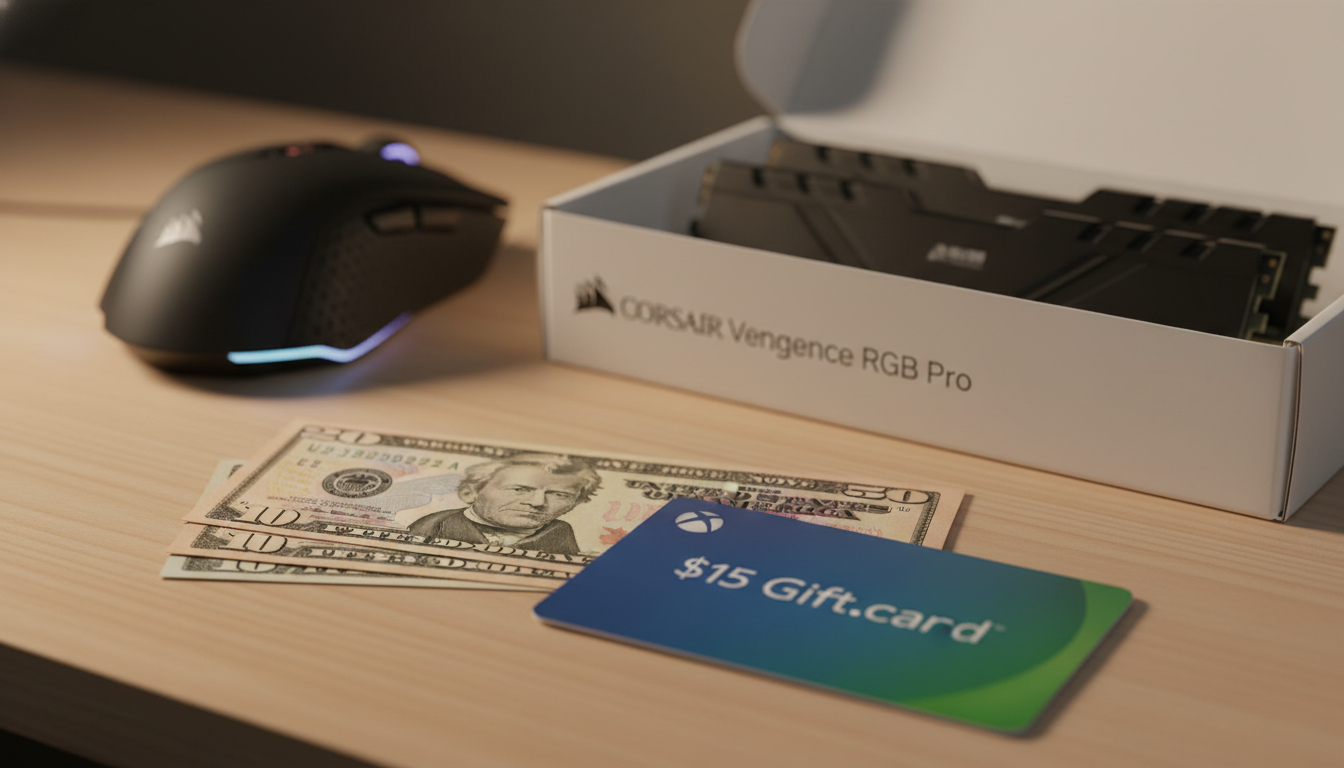
The Math: Instead of paying $70 for Starfield, you buy a $15 Xbox Gift Card, subscribe for a month, beat the game, and still have $55 left in your pocket for hardware upgrades.
5. Troubleshooting the "Windows Store Blues"
We get it. The Microsoft Store can be buggy. If your download gets stuck or the app won't open:
-
WSReset: Press Win + R, type wsreset.exe, and hit enter. It clears the store cache.
-
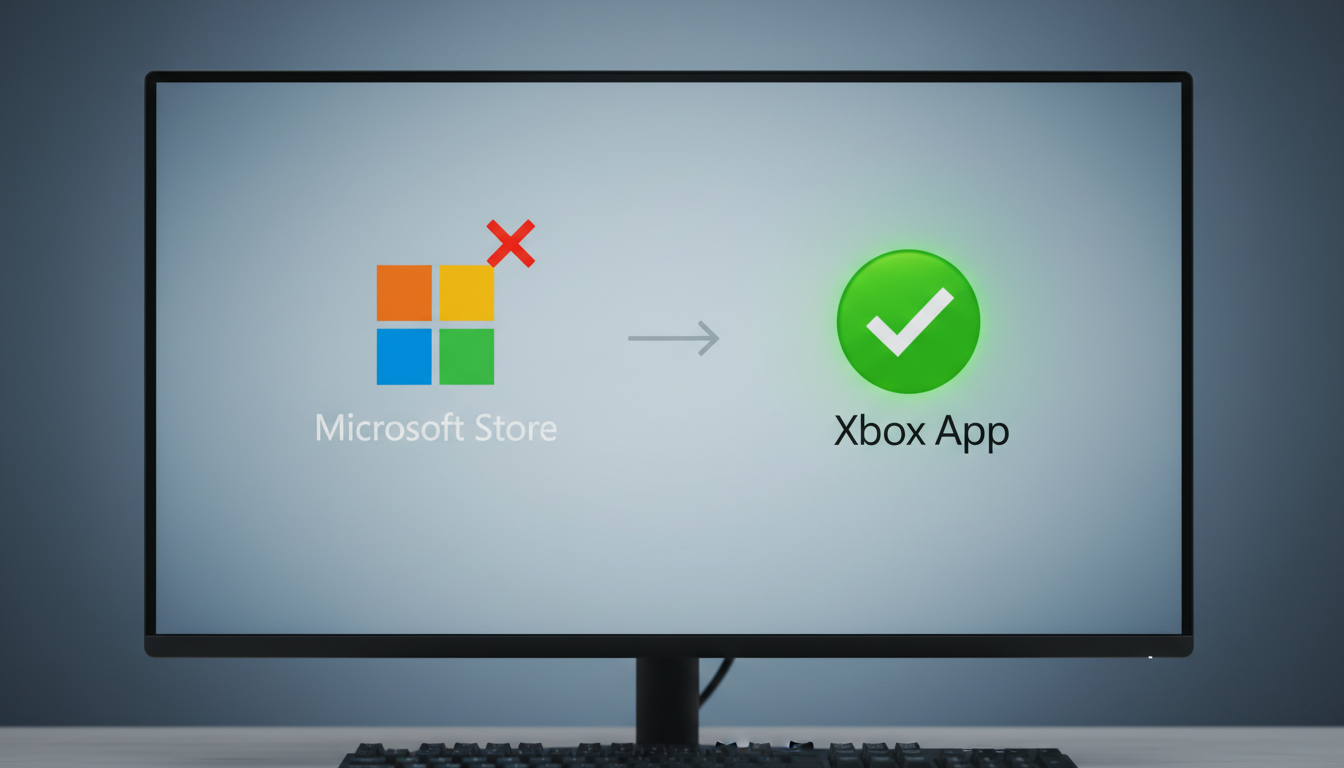
The Xbox App is King: Don't use the actual "Microsoft Store" app to manage games. Use the dedicated Xbox App for Windows. It’s much more stable and designed for gamers.
6. Conclusion: Freedom from Hardware
You don't need a $500 console to be part of the Xbox ecosystem. Your RTX-powered rig is more than capable of handling the best Microsoft has to offer. By using HC TOPUP to manage your spending via Gift Cards, you stay in control of your budget and avoid the regional price hikes that are currently plague-ing Steam.
Ready to start your journey to the stars?
[Buy Xbox & Microsoft Gift Cards Now]
👉 Return to Base: The Ultimate Global Gamer's Guide