
Step-by-Step: How to Register and Maintain a US PSN Account from the Middle East/Europe
If you are a gamer living in the UAE, Saudi Arabia, Qatar, or even parts of Europe (looking at you, Germany and UK pricing), you know the pain.
You wait years for a game like Grand Theft Auto VI or The Last of Us, only to find out it’s banned in your local PlayStation Store due to "cultural content." Or, you look at the price tag and realize you are paying €80 ($87) for a game that costs $70 in the US.
The PlayStation Network (PSN) is a walled garden. Sony locks you into the region where you created your account. You cannot change your region later.
But here is the secret that hardcore expats and locals have been using for years: The Dual-Account Strategy.
You don't need a VPN to play. You don't need to move to New York. You just need a secondary US Account. In this guide, I will show you how to set it up, fund it safely with HC TOPUP, and play uncensored games on your main account while keeping all your trophies.
1. The Strategy: How "Game Sharing" Actually Works
Before we start, let’s clear up a misconception. You do NOT need to abandon your main account (the one with all your Platinum trophies and friends).
The Workflow:
-
Create a secondary US PSN Account.
-
Set your PS5/PS4 as the "Primary Console" for that US account.
-
Buy and download the game (e.g., God of War) on the US Account.
-
Switch back to your Main Local Account.
-
Play. The game is unlocked for every user on the console. You earn trophies on your main profile.
This is 100% legal. It’s a feature built into the console called "Console Sharing and Offline Play."
2. Step-by-Step Registration Guide (2026 Edition)
Do not do this on your console. It is much easier to do this on a PC or smartphone browser.
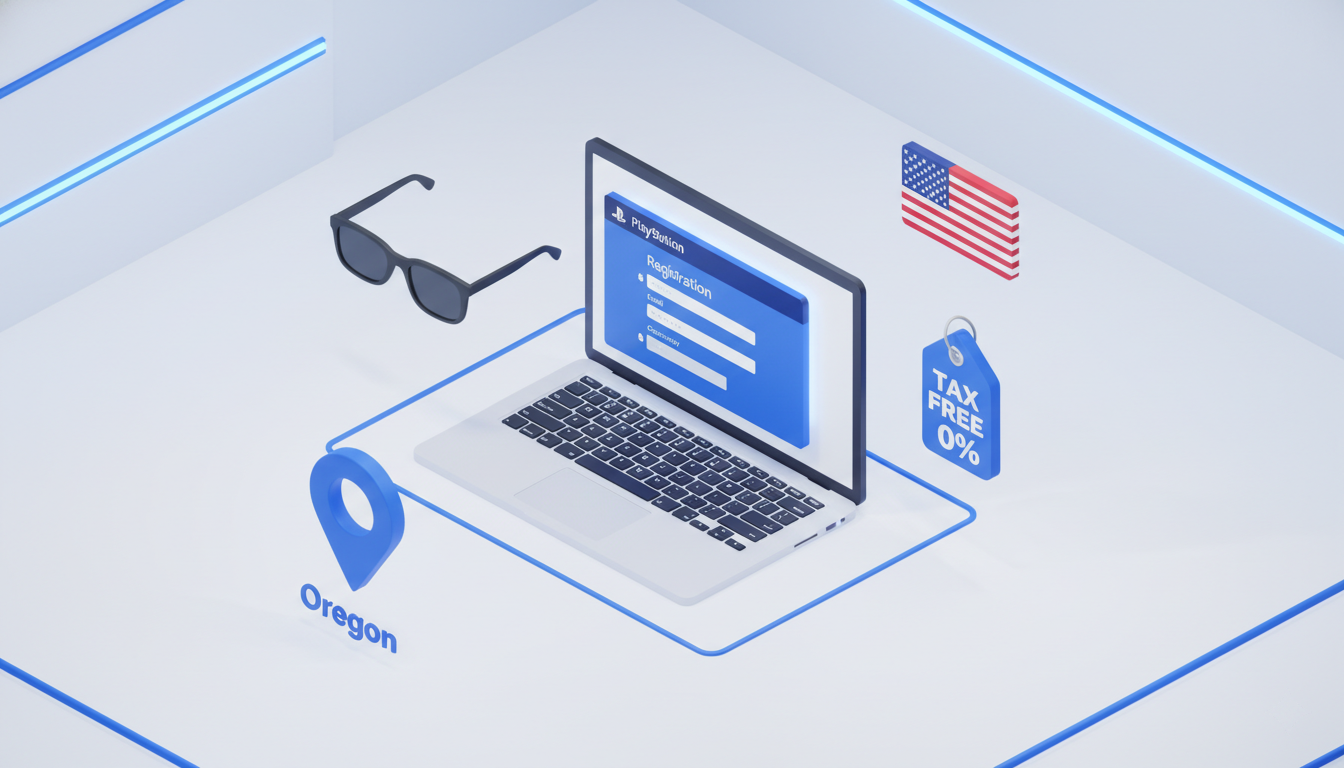
Step 1: The Incognito Window
Open your browser in Incognito/Private Mode. This ensures Sony doesn't auto-detect your old cookies and redirect you to the Saudi or UK store.
Go to the official PlayStation website and click "Create Account".
Step 2: The Critical Choice
When asked for Country/Region, select United States.
Warning: You cannot change this later. If you click "United Arab Emirates" out of habit, you have to start over.
Step 3: The Birthday
Enter a date of birth that makes you over 18. (Pro tip: Write this down. If you ever need to recover your password, Sony will ask for this date).
Step 4: The Address (Tax-Free Hack)
This is where people get stuck. Sony requires a valid US Address.
You could pick a random hotel in New York, but don't. New York charges digital sales tax. You want a Tax-Free State to save that extra 8-10%.
Use an address from one of these states:
-
Oregon (Zip Code: 97205 - Portland)
-
Delaware (Zip Code: 19702 - Newark)
-
New Hampshire (Zip Code: 03103 - Manchester)
Example:
-
City: Portland
-
State: Oregon
-
Postcode: 97205
Step 5: Email Verification
Use a fresh email address that isn't linked to another PSN ID. Verify it, and you are in.
3. The Barrier: Why Your Credit Card Won't Work
Now you have a US Account. You go to the store to buy Elden Ring. You enter your Visa card from Dubai or your Mastercard from London.
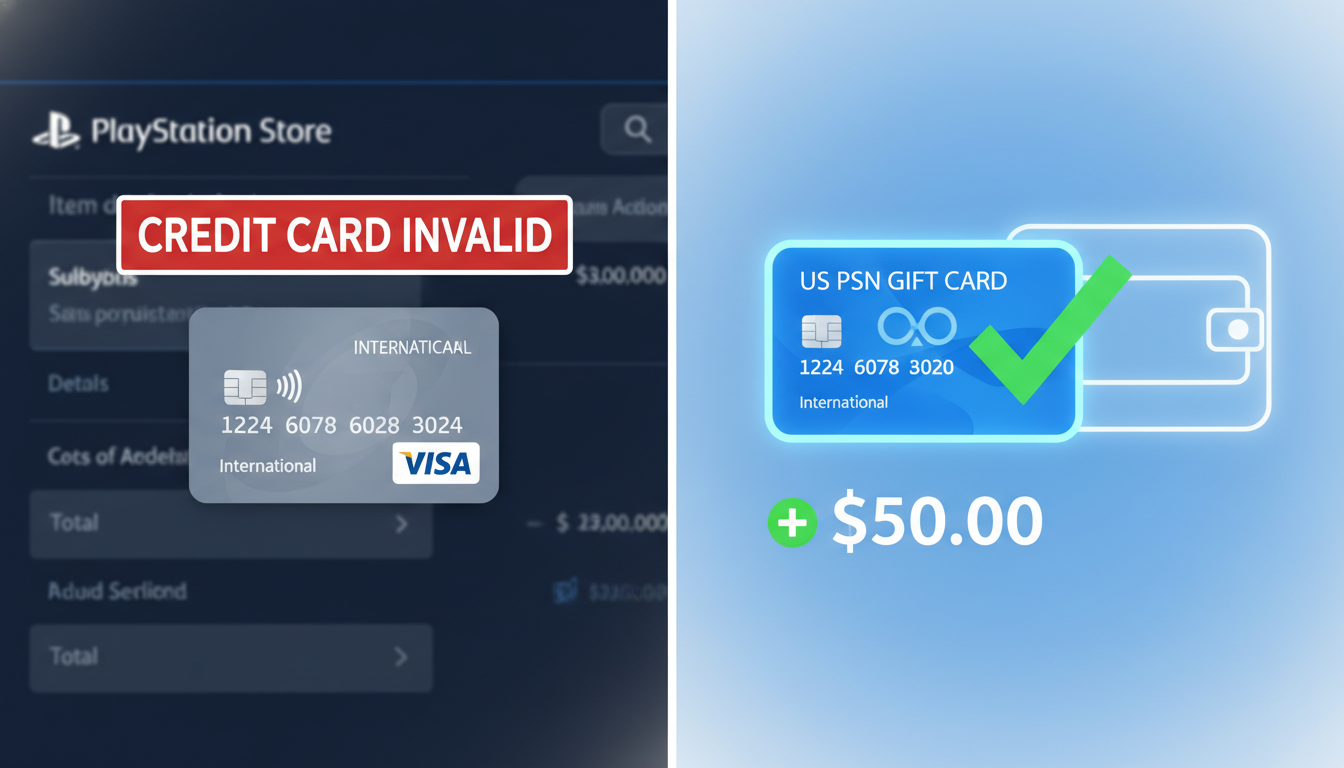
"The credit card information is not valid."
Sony checks the Billing Address of your card. If your card was issued in Qatar, but your account says "Oregon," the transaction fails immediately.
The Solution: US PSN Gift Cards
This is the only way to fund a foreign account.
-
Go to HC TOPUP.
-
Buy a US Region PSN Card ($10, $20, $50, etc.).
-
Receive the digital code instantly.
-
On your US Account: Go to Store > Redeem Codes.
-
Boom. Your wallet is funded with Dollars. Sony doesn't care where the gift card came from, as long as it's a valid US code.
4. Setting Up "Console Sharing" (Crucial Step)
You bought the game on the US account. Now, how do you play it on your Main account?
On PS5:
-
Log in to your new US Account.
-
Go to Settings > Users and Accounts > Other.
-
Select Console Sharing and Offline Play.
-
Choose Enable.
On PS4:
-
Log in to your US Account.
-
Go to Settings > Account Management.
-
Select Activate as Your Primary PS4.
-
Choose Activate.
What this does:
It tells Sony, "Any game owned by this US Account can be played by ANYONE on this specific console."
Now, log out of the US account. Log in to your Main account. The game you just bought will be there, unlocked, and ready to play.
5. Safety & Maintenance Rules
To keep your US account safe from bans, follow these rules:
-
Rule #1: Never Add a Foreign Card. Don't try to "trick" the system with a fake PayPal. Stick to Gift Cards. It is the safest method.
-
Rule #2: Don't Use a VPN on Console. You do not need a VPN to play games or download them. Your IP address can be from anywhere. Sony generally does not ban for playing across regions, only for fraudulent payments (which is why we use Gift Cards).
-
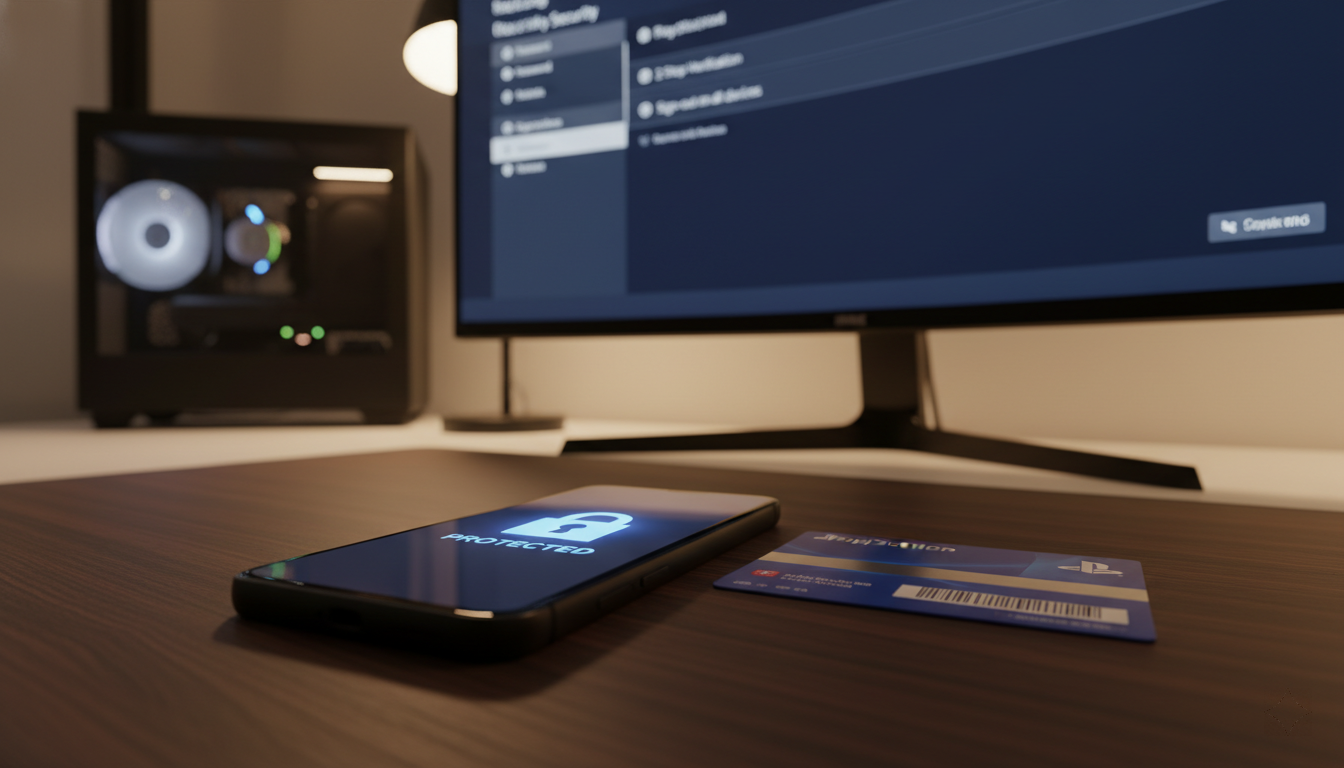
Rule #3: Enable 2FA. Even on a secondary account, enable 2-Factor Authentication to protect your purchases.
Conclusion: Tear Down the Wall
Don't let geography dictate what you can play. Whether it's the uncensored version of Cyberpunk or getting access to a "US Only" beta test, a US PSN account is an essential tool for the modern gamer.
Ready to unlock the full potential of your console?
[Get your US PSN Gift Cards at HC TOPUP] – Instant delivery, zero tax, total freedom.
👉 Return to Base: The Ultimate Global Gamer's Guide
-400x400.png)