
Troubleshooting: How to Rescue Your Code When Steam Says "Unexpected Error"
It’s the worst feeling in gaming.
You just bought a $50 Steam Wallet Code. You copy it. You paste it. You hit "Redeem."
"An unexpected error has occurred. Your code could not be redeemed at this time."
Your heart sinks. Did you get scammed? Is the code fake? Is your account banned?
Relax. 99% of the time, your money is safe. This is just Steam’s ancient server infrastructure acting up.
As a top-up store operator, I see this ticket every single day. Here is the definitive guide to fixing it.
Scenario A: The "Currency Mismatch" (Most Common)
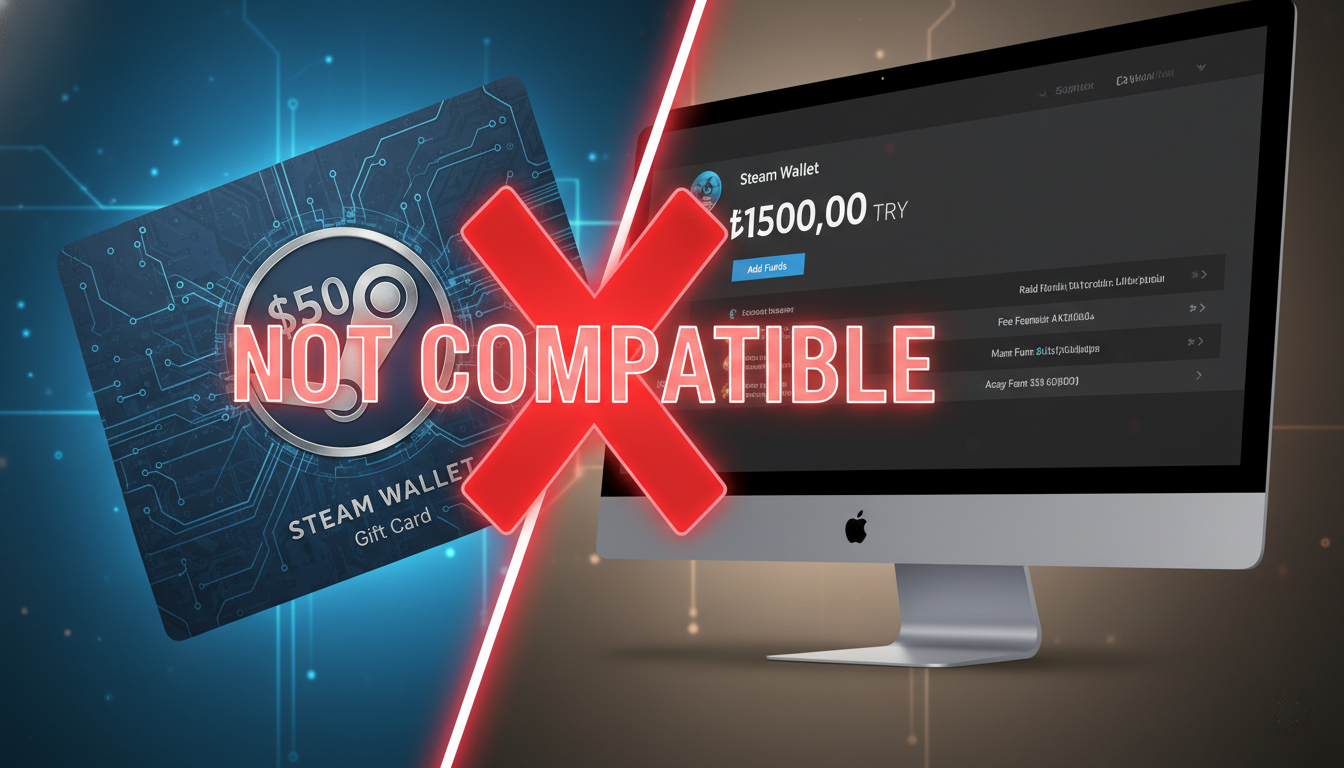
The Cause: You are trying to redeem a US Dollar ($) code on a Steam account that is set to Euro (€), Sterling (£), or a restricted currency like TRY/ARS.
The Reality: Steam no longer supports auto-conversion for many currencies. You cannot redeem a USD code into a Turkish account. It will just throw an "Unexpected Error."
The Fix:
-
Check your account details. What does it say next to "Wallet Balance"?
-
If the currency doesn't match the card you bought, STOP. Do not try again.
-
You need to either create a new account in the matching region (e.g., US) or give the code to a friend.
Scenario B: The "IP Conflict" (Traveler’s Bug)
.png)
The Cause: Your account is US region, your code is US region, but you are physically in Singapore, Dubai, or London.
Steam’s fraud detection sees: US Code + Foreign IP = Suspicious.
The Fix:
-
Close Steam completely on your PC.
-
Turn on a VPN and connect to a server in the United States.
-
Open Steam (or better yet, use a web browser in Incognito Mode).
-
Login and try to redeem.
-
Success.
Note: Once the money is in, you can turn off the VPN to play.
Scenario C: The "Spam Click" (The 30-Minute Ban)
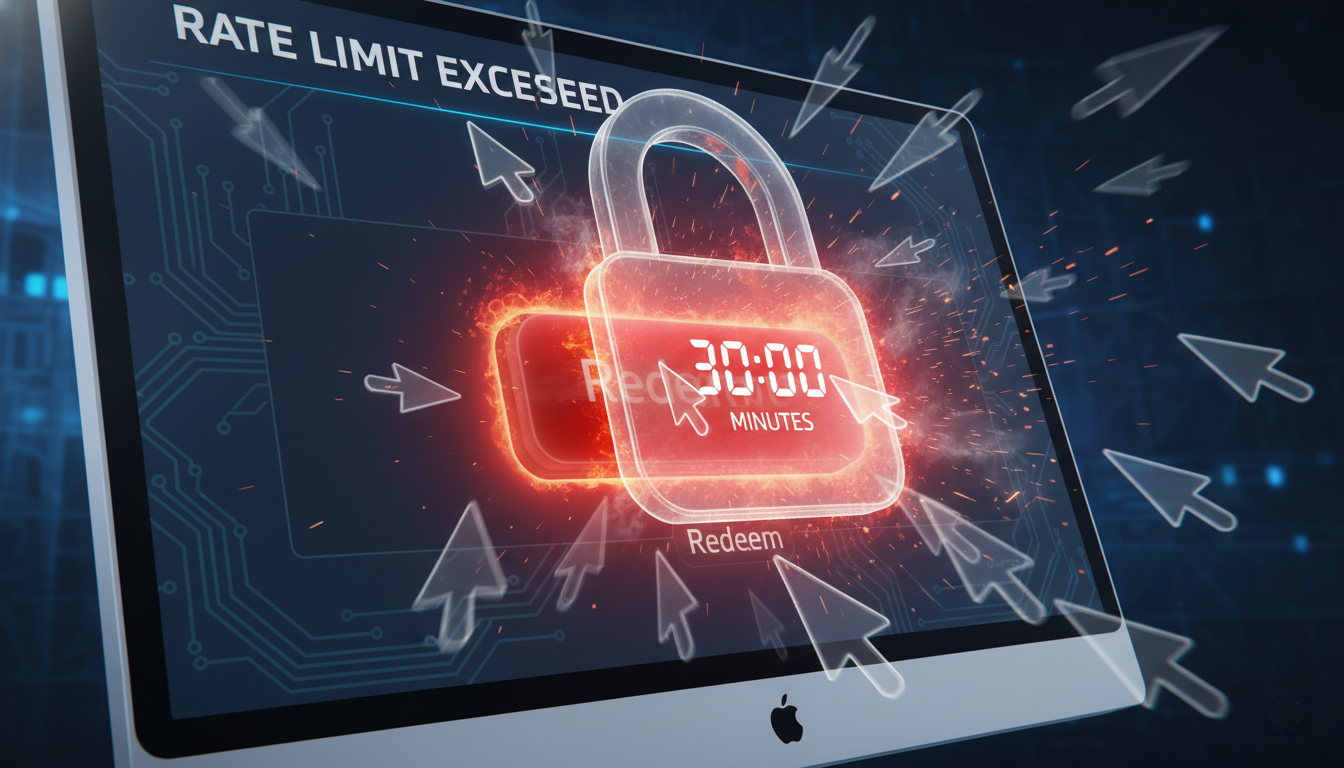
The Cause: You entered the code, got an error, and then panic-clicked the "Redeem" button 10 times in 5 seconds.
Steam has a "Rate Limit." If you spam the button, they soft-ban your IP address from redeeming codes for 30 minutes.
The Fix:
-
Walk away. Seriously. Go touch grass.
-
Wait exactly 1 hour.
-
Try again on a Mobile Data connection (your phone) instead of your home WiFi. This gives you a fresh IP address.
Scenario D: The "Browser Cache" Glitch
Sometimes, the Steam Client (the desktop app) is just broken. It caches old data and refuses to process new requests.
The Fix:
-
Never redeem codes on the Steam Client.
-
Always use a web browser (Chrome/Edge).
-
Go to: store.steampowered.com/account/redeemwalletcode
-
If it fails, open an Incognito/Private Window, login, and try there. This strips away all bad cookies.
When to Worry: "The Code Has Already Been Redeemed"
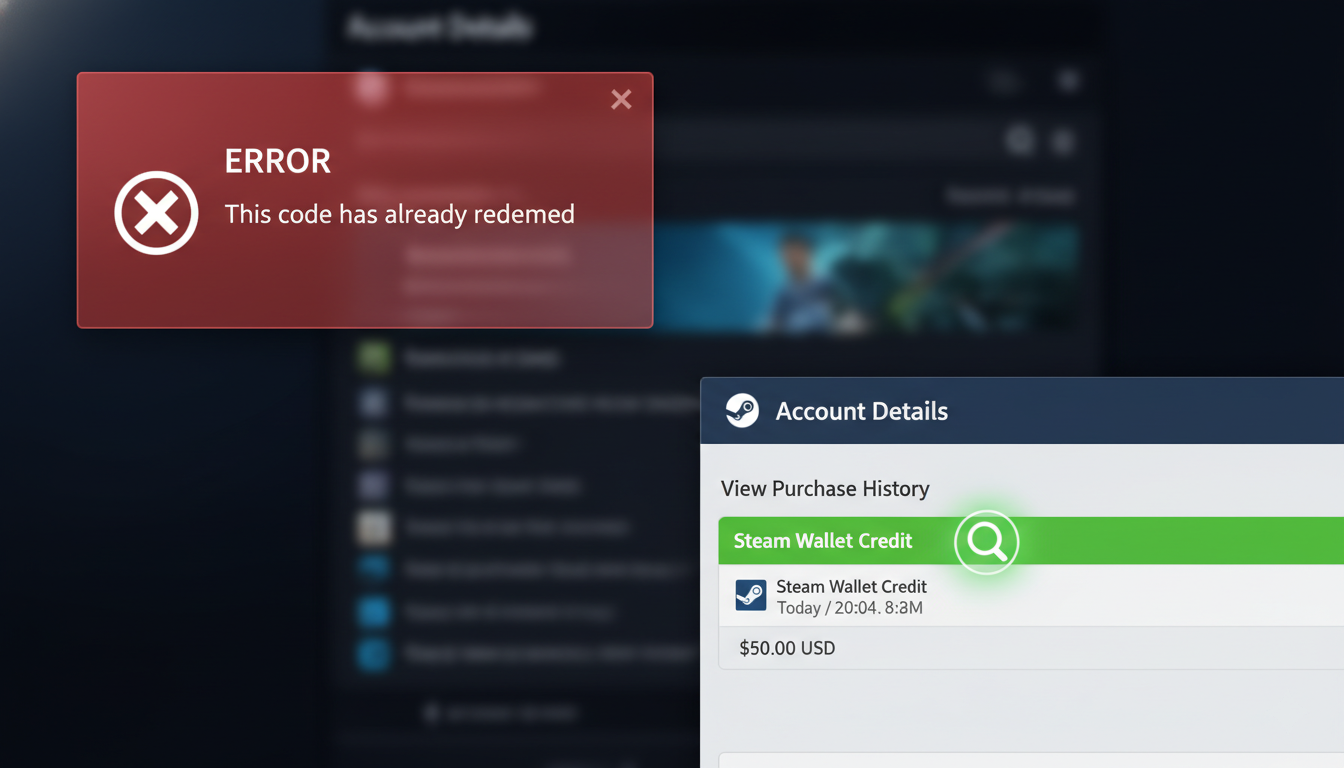
If the error message changes from "Unexpected Error" to "This code has already been redeemed," that is a different story.
-
Did you give the code to anyone else?
-
Did you try to trade it?
-
Is your email secure?
If you bought from HC TOPUP, our codes are API-generated and fresh. If you see this error, check your own balance history first. Often, the error message shows up, but the money actually went through.
Go to: Account Details > View Purchase History. You might see the credit there despite the error message.
Summary Checklist
If you get an error:
-
Check Currency: Does Code Currency = Account Region?
-
Check IP: Are you using a VPN to match the region?
-
Switch Device: Try redeeming on your phone using 4G/5G.
-
Wait: Give it 1 hour to clear the "Spam Protection."
Still stuck?
If you bought from HC TOPUP, contact our support. We are gamers, we know how to fix this.
[Contact Support] | [Buy Fresh Codes]
👉 Return to Base: The Ultimate Global Gamer's Guide
-400x400.png)