
Unlock Your Potential: Why Default Keybinds are Killing Your Fortnite Career
Let’s get one thing straight: Epic Games’ default settings are designed for casual players, not for the grinders.
If you are still using "Combat Pro" on a controller or the default 1-6 weapon slots on a keyboard, you are playing with a digital straightjacket. In Fortnite, you aren't just aiming; you are building, editing, jumping, and switching weapons—often simultaneously.
For the hardcore community playing on overseas servers, your keybinds are even more critical. When you have 80ms+ ping, your input efficiency must be perfect. You cannot afford "travel time"—the time it takes for your finger to move from one button to another. Every extra millimeter of movement is a frame lost to your 0-ping opponent.
I’m the Lead Strategist at HC TOPUP. Today, we’re tearing down your old settings and building a pro-level interface that turns your muscle memory into a lethal edge.
1. The Keyboard & Mouse (KBM) Revolution: Efficiency is Everything
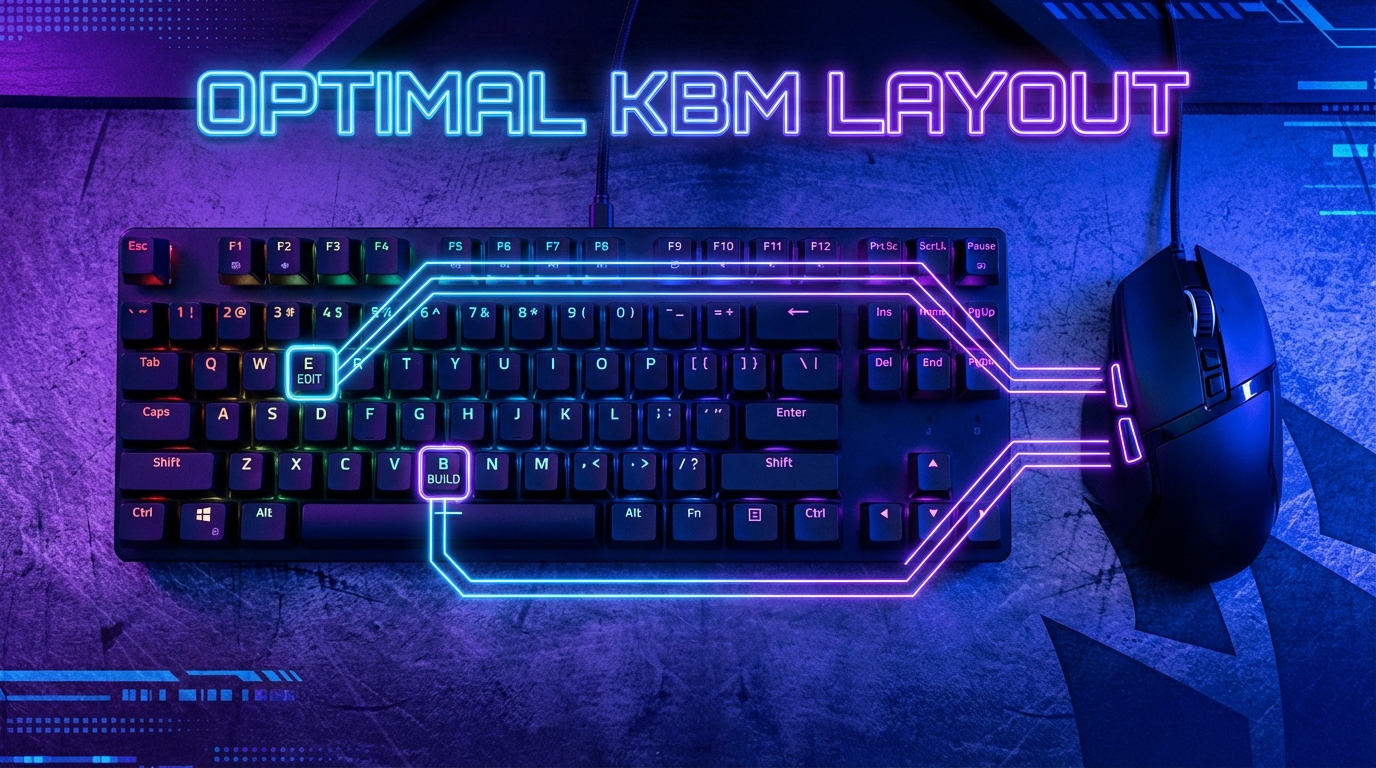
On KBM, you have a massive advantage: an entire board of buttons. But most players clutter their "Movement Fingers" (WASD).
The Philosophy: Keep Your Fingers on WASD
If you have to take your finger off "D" (Right) to press your "Edit" key, you can’t strafe right while editing. That’s a death sentence in a high-level box fight.
-
The "Mouse Button" Meta: If your mouse has side buttons, USE THEM. At a minimum, your Walls and Stairs should be on your mouse. This offloads the building load to your thumb, leaving your left hand free for movement and editing.
-
Optimal Edit Key: Use "F", "E", or "Left Shift." These are the closest keys to your resting position.
-
Scroll Wheel Reset (The Non-Negotiable): If you aren't using Scroll Wheel Reset, you aren't playing competitive Fortnite. Bind "Building Edit" and "Reset Build" to "Mouse Wheel Up" or "Down." This allows you to reset a wall instantly with a flick of a finger—a crucial move for high-ping defense.
Pro-Tip: The "ESDF" Option
Some elite players switch from WASD to ESDF. Why? It opens up more keys to the left (A, W, Q) for utilities, allowing for even more complex bind combinations without stretching your hand.
2. The Controller Masterclass: Breaking the "Thumb Limit"
Controller players face a physical limit: you only have two thumbs, and they usually need to stay on the sticks.
The Problem with "Circle/B" to Edit
By default, "Edit" is a long-press on the B/Circle button. This is too slow. You need an instant edit.
-
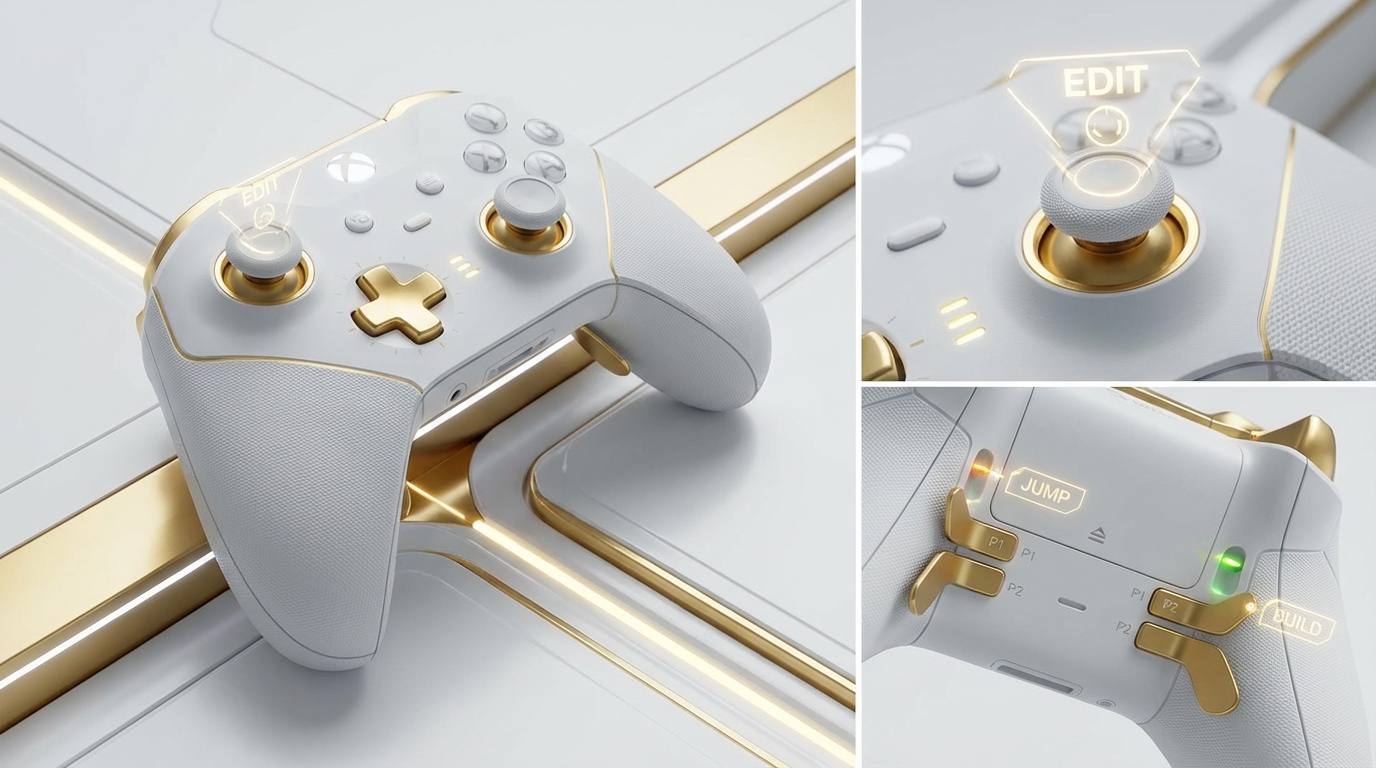
L3 (Left Stick Click) for Edit: This is the most popular "non-paddle" pro bind. It allows you to enter edit mode without ever taking your thumb off the movement stick.
-
Touchpad (PS4/PS5) or View Button (Xbox) for Map/Edit: Many "Claw" players use their index finger to tap the touchpad for instant edits.
-
Jump on R3 or L3: If you don't have paddles, binding "Jump" to a stick click allows you to aim while jumping—essential for those close-quarters shotgun trades.
The "Hardware" Solution: Paddles and Claw
To truly compete at the pro level on a controller, you must use one of two methods:
-
The Claw Grip: Using your index finger to press the face buttons (A, B, X, Y) so your thumb stays on the stick.
-
Paddles (SCUF/Elite/Edge): Mapping the face buttons to rear paddles. This is the gold standard for ergonomics and speed.
3. Universal Optimizations for High-Ping Players
Since you are likely battling latency on overseas servers, you need "Software Shortcuts" to help your hardware.
-
Confirm Edit on Release (ON): This reduces the number of button presses required to complete an edit from three to two. On 100ms ping, reducing the "button-to-server" communication by 33% is a massive buff.
-
Disable Pre-Edits: There is nothing worse than accidentally pre-editing a wall during a lag spike. Turn this OFF in settings to ensure your builds place as intended.
-
Controller Deadzones: Lower your deadzones as much as possible without getting "stick drift." This makes your aim feel more responsive, helping to mask the "heavy" feeling of high-ping play.
4. The "Comfort Trap": Don't Be Afraid of the "Suck"
When you change your binds, you will play like a bot for 3 to 7 days. Your brain will keep reaching for the old buttons.
This is the "Suck Phase." Most players quit here and go back to default. Hardcore players push through. By the 10th day, your new, optimized binds will become subconscious, and you will find yourself doing "Triple Edits" and "High-Ground Retakes" that were physically impossible on your old settings.
5. Elevate Your Competitive Identity with HC TOPUP
Re-learning your binds is a grind. It’s 10 hours a day in Creative maps. You might as well look elite while you're doing it.
Why HC TOPUP is Part of Your Pro Setup:
-
The "Clean" Gear Advantage: Technical players love "clean" pickaxes (like the Studded Axe or Catwoman’s Grappling Claw) because they have subtle animations that don't distract during complex building sequences. Use HC TOPUP to get the V-Bucks or Gift Cards (Apple, PSN, Xbox, Nintendo) you need to complete your "sweat" loadout.
-
Logistics for the Grind: Don't let a payment error or a 24-hour delivery delay stop your momentum. Our 3-minute delivery ensures that when a new competitive skin drops, you have it instantly.
-
Account Security is King: As you optimize your settings and climb the ranks, your account becomes a valuable asset. HC TOPUP uses only official, 100% safe channels. We don't do "gray market" or "black cards." Your pro-settings and your pro-account stay safe with us.
Conclusion: Stop Fighting the Settings, Start Fighting the Lobby
Your keybinds are the interface between your mind and the game. If that interface is clunky, your gameplay will be clunky. By optimizing your binds for speed, offloading movement fingers, and utilizing "Edit on Release," you are removing the physical barriers to your success.
Overseas ping is a challenge. Default settings are an insult. Overcome both.
👉 [Top Up Your War Chest at HC TOPUP – The Fastest, Safest V-Bucks for Pro Players]
👉 Return to Base: The Path to Mastery - Fortnite Pro Tips Pillar Page


-400x400.png)