Parental Control: Managing Playtime and Spending with Fixed-Limit Gift Cards
We’ve all heard the horror stories.
A parent hands their iPad or controller to their 8-year-old to play Roblox or Fortnite for "just 30 minutes."
Two weeks later, the credit card bill arrives.
600 in V−Bucks.
400 in Robux.
The child didn't understand they were spending real money. They just wanted the blue ninja skin. The parent didn't realize their credit card was linked with "One-Click Purchase" enabled.
As a parent, handing a credit card to a child in a digital ecosystem is financial suicide. But you don't want to be the "bad guy" who bans games entirely.
The solution is the "Digital Allowance" Strategy. By using Fixed-Value Gift Cards from HC TOPUP, you can teach financial literacy, eliminate the risk of overspending, and keep your bank account safe.
1. The Trap: "Frictionless" Payments
Modern consoles (PS5, Xbox, Switch) and mobile games are designed to remove "friction."
Once your credit card is saved, buying a $20 skin takes exactly two button presses. For a child, this feels like using game currency, not real money.
The Risk:
-
Accidental Purchases: Kids clicking buttons they don't understand.
-
"Just One More": The psychological trap of microtransactions (Loot Boxes).
-
Hacking: If your child clicks a malicious link, your linked credit card is exposed.
The Fix:
Remove your credit card from the console. Now.
Go to Settings > Users and Accounts > Payment and Subscriptions > Payment Methods and hit DELETE.
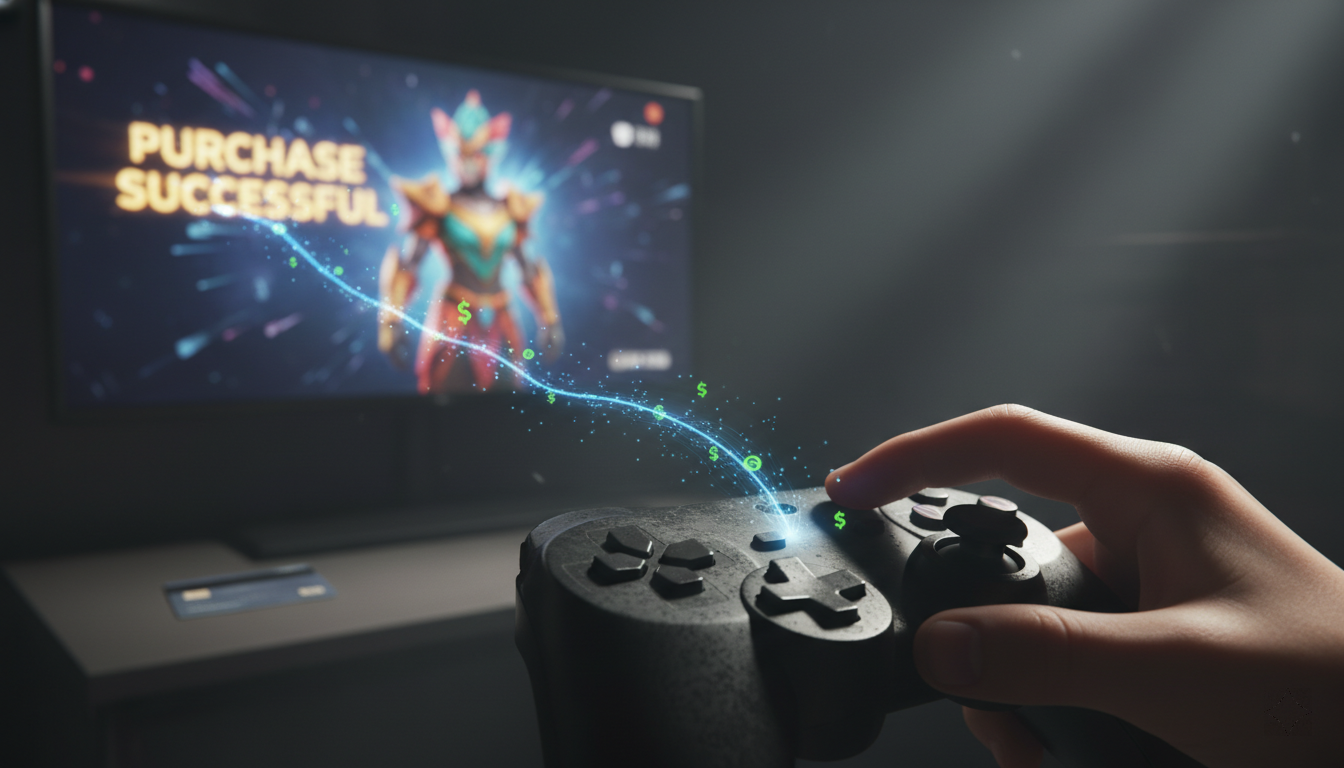
2. The Strategy: The Gift Card "Allowance"
Instead of linking a card, you fund the account using Gift Cards.
This changes the dynamic from "Open Buffet" to "Pre-Paid Budget."
How it works:
-
Set the Budget: You agree that the child gets $20 per month for games.
-
Buy the Card: You purchase a $20 PSN/Xbox/Roblox Card from HC TOPUP.
-
Redeem: You load the funds into their wallet.
-
The Lesson: Tell them: "This is your money for the month. If you spend it all on day one, you have to wait 29 days for more."
Why this works:
-
Hard Cap: It is technically impossible to overspend. When the $20 is gone, the transaction fails. No surprise bills.
-
Financial Literacy: The child learns to prioritize. "Do I want this skin now, or do I save up for the Battle Pass next week?"
-
Safety: Even if the account is hacked, the thieves can only steal the $2 wallet balance, not your life savings.
.png)
3. Platform Specifics: PS5, Xbox, & Roblox
For PlayStation (PS5/PS4):
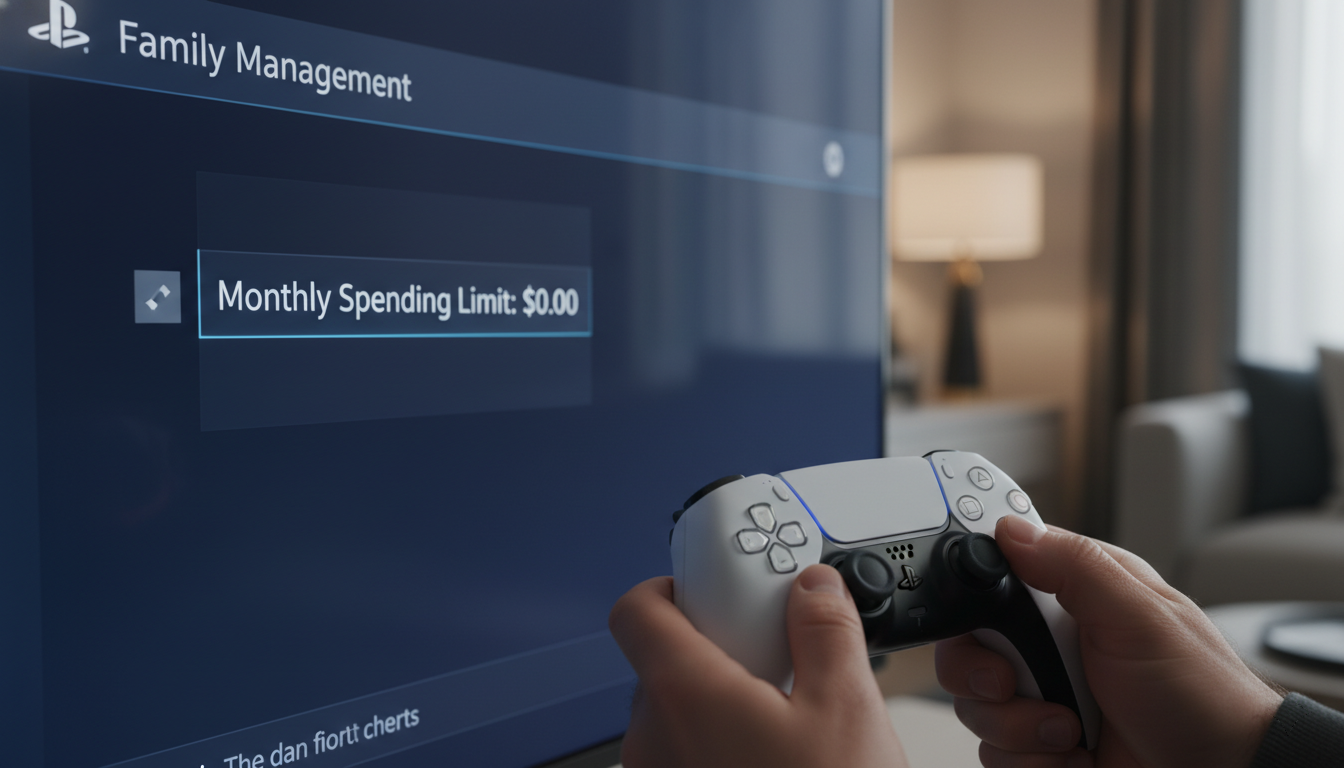
Sony has a feature called "Family Management."
-
Setup: Create a Child Account for your kid.
-
Spending Limit: Set the "Monthly Spending Limit" to $0.
-
The Workflow: When they want to buy something, they have to ask you. You can then buy a Gift Card, redeem it on your master account, and gift them the content, or temporarily raise the limit to redeem a card on their account.
For Roblox:
Roblox is the wild west of spending.
-
Never link a card.
-
Roblox Credits: Buy a specific Roblox Gift Card. These convert to "Credits."
-
Premium Subscription: You can use Gift Card credits to pay for a "Roblox Premium" monthly subscription (which gives a fixed allowance of Robux), rather than buying Robux directly. This offers better value.
4. Troubleshooting: "I bought the wrong region!"
A common mistake parents make is buying a Gift Card that doesn't match the account region.
-
Scenario: Your kid’s account is set to "UK" (because you live there), but you bought a "US" Gift Card because it was cheaper.
-
Result: The code won't work.
-
Solution: Always check the flag on the product page at HC TOPUP before buying. If you made a mistake, you'll need to create a new US account for the child to redeem that specific code. (See our guide on creating US accounts).
5. Summary: Peace of Mind for $10
You insure your car. You insure your house. Consider Gift Cards as insurance for your bank account.
For the price of a small Gift Card, you buy total peace of mind. No more waking up to fraud alerts. No more arguments about V-Bucks.
Start the allowance today.
[Shop Parental Control Safe Gift Cards]
👉 Return to Base: The Ultimate Global Gamer's Guide