
{{product.pro_active_off}}
{{ variable.name }}


To ensure a smooth and successful payment, please make sure your VPN or proxy is turned off when making the payment.
PayerMax performs location verification during payment. If your VPN IP address does not match your actual location, the payment may fail or be automatically declined.
✅ Before making a payment, please:
Turn off any VPN, proxy, or network accelerator
Use your real local network connection
Retry the payment after disabling VPN if it fails
If you experience any issues, feel free to contact our support team — we’re always happy to help you complete your top-up smoothly.
Customer Service 1 (8616608623147)
✈️ Telegram
Customer Service 1 (@Link_HCTOPUP)
Customer Service 2 (@HC_Blake)
👾 Discord
Join Our Community (Giveaways & Support Tickets)
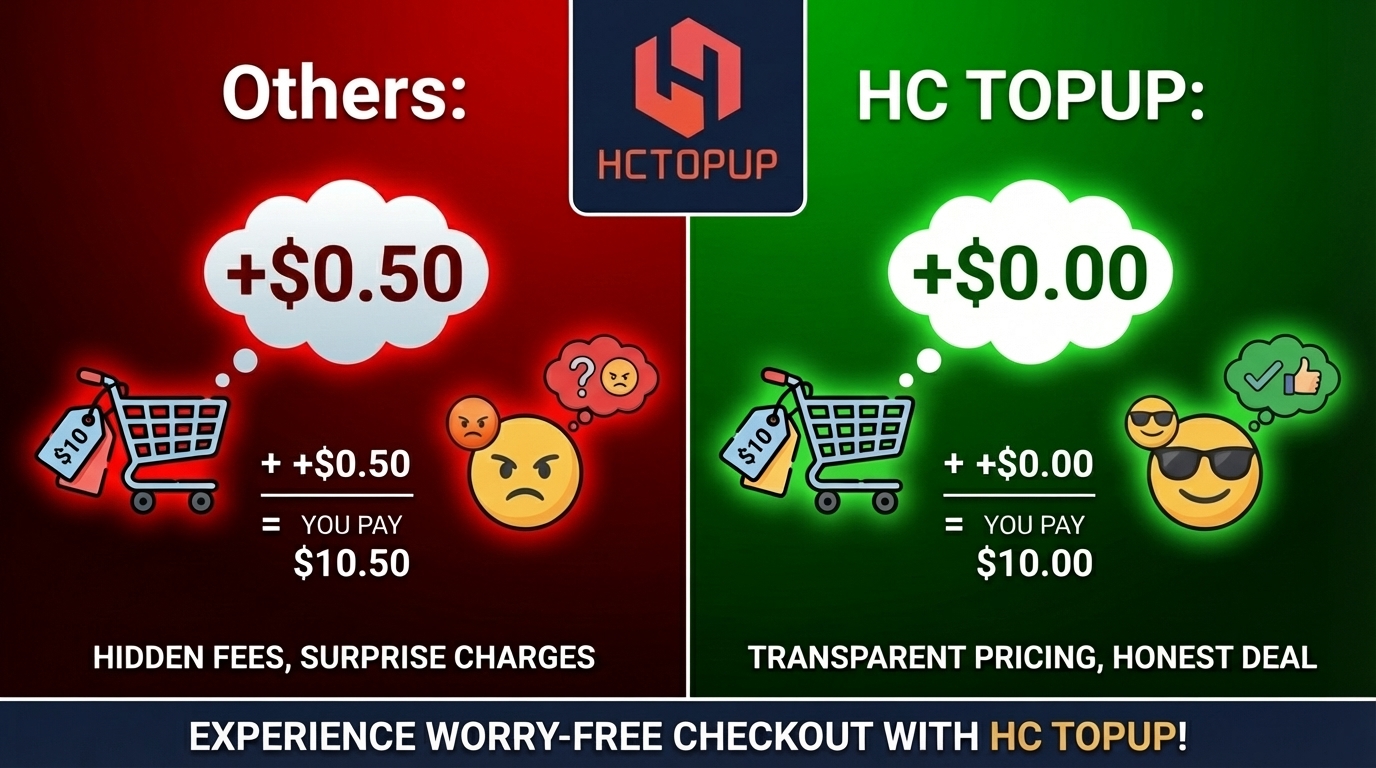
🛡️ 100% Secure & Private We prioritize your account safety. We use enterprise-grade SSL encryption and official payment methods to purchase the V-Bucks. Your data is deleted after the order is completed.
🌍 Massive Savings (Turkey Region Strategy) By temporarily switching your Epic Games account region to Turkey, we unlock official local prices that are cheaper than your local store. (Note: This does not affect your matchmaking server or ping. You still play with your local friends).
⚡ 15-Minute Fast Delivery Unlike automated bots, our real human specialists handle your order manually to ensure safety. Most orders are completed within 15 minutes during business hours.
💬 24/7 Real Human Support Got an issue? We hate bots too. Our real support team is online 24/7 via Live Chat to help you instantly.
You can redeem your PlayStation Gift Card using the following methods:
Turn on your console and sign in to your PlayStation account.
Go to the PlayStation Store.
Scroll down and select Redeem Codes.
Enter the 12‑digit code.
Confirm, and the balance will be added to your wallet.
Visit the official PlayStation website and sign in.
Go to the Redeem Codes page.
Enter your 12‑digit gift card code.
Confirm to complete the redemption.
Open the PlayStation App and sign in.
Tap your profile icon.
Select Redeem Code.
Enter the code to redeem.
If you need to buy PlayStation Gift Cards online, visit store.hctopup.com for fast and secure digital delivery worldwide.
Yes, you can gift a PSN Card to someone else. After purchasing, you will receive a digital code that can be shared with the recipient. They can then redeem the code in their PlayStation account to add funds or purchase content. Please make sure the recipient’s account region matches the card region, otherwise the code may not work.
Unfortunately, there is no official way to verify a gift card code on your PC without redeeming it. Platforms like PlayStation, Xbox, or Amazon only confirm whether a code is valid during the redemption process. To avoid accidental redemption, you can:
Double-check the code format (length and characters) before entering.
Redeem the code directly on the intended account to ensure it is applied correctly.
If you want to confirm authenticity before gifting, purchase from trusted sources (store.hctopup.com) that guarantee valid codes.
According to Amazon’s latest policy, gift card balances cannot be applied to certain items, including PlayStation gift cards. This means that even if your account has sufficient Amazon gift card balance, it cannot be used to pay for PlayStation gift card orders. This restriction is clearly stated in Amazon’s Gift Card Terms and Conditions.
If you would like to recharge your PlayStation account, we recommend:
Using a credit or debit card for payment;
Or choosing one of the other secure payment methods offered on our site (such as PayPal, Alipay, or WeChat Pay).
This ensures that your order can be processed smoothly.
This issue can occur for several reasons:
Temporary system errors on PlayStation Store.
The specific edition of the game may not be available in your region or on your console.
Payment method verification may fail even if your balance is sufficient.
Suggested solutions:
Try purchasing through the PlayStation mobile app or website.
Check if the game edition you want is available for your console.
If the problem persists, wait a few hours and try again, or contact PlayStation Support.
For the lowest prices and instant delivery, we recommend store.hctopup.com. Our platform specializes in PSN cards and digital gaming recharge, offering secure payment options and fast code delivery. Customers choose us for cheaper rates, instant activation, and trusted service.
PSN Plus cards are region-locked, not strictly country-locked. This means you can use a card from another country only if the account region matches the card region. For example, a US PSN Plus card will work on a US-region account, but it cannot be redeemed on a UK-region account. Always check the region of your PlayStation account before purchasing a card, otherwise the code may not be valid.
Yes, you can use a PlayStation Store gift card to purchase a PS Plus Premium subscription. The correct way is:
Go to the PlayStation Plus tab and select the subscription you want.
Add it to your cart and proceed to checkout.
At the payment screen, enter your gift card code.
⚠️ Important: Do not redeem the gift card code directly into your wallet first, because wallet funds cannot be applied afterward to PS Plus subscriptions. The code must be entered during the payment process.
Yes, they will. What you purchased is a PSN gift card, not a console-specific card. PSN cards are tied to your PlayStation Network account region, not to the console generation. This means a PSN card labeled for PS4 can also be redeemed on PS5 without any issue, as long as the card region matches your account region.
You can join our HCTOPUP Affiliate Program and earn commissions that can be converted into PSN gift cards or other gaming products. Here’s how to get started:
Register an account on store.hctopup.com.
Contact our customer service to receive your exclusive referral link.
Telegrame: @Link_HCTOPUP/@HC_Blake
Whatsapp:+86 16608623147/+86 18288702389
Share the link with your friends. When they sign up and make purchases, you earn commissions.
Commissions are credited directly to your HCTOPUP wallet, which you can use to redeem PSN gift cards or other products.
👉 Promote HCTOPUP, earn rewards, and enjoy free gaming credits. If you need help, please contact our customer service team.
If you want to avoid unexpected fees or regional issues, you can purchase Steam Wallet Codes directly from store.hctopup.com, which offers instant delivery and supports multiple regions. If you need help choosing the correct region, our customer service team is always available.