
Tutorial: Steam Families Explained – Can I Share Games Across Regions?
Valve recently dropped a nuclear bomb on the way we share games. They killed the clunky old "Family Sharing" system and replaced it with Steam Families.
On paper, it’s a dream come true.
-
No more "kick-outs": You can play Elden Ring while your brother plays Helldivers 2 from the same library simultaneously.
-
Pooled Libraries: If you have 6 people in a "Family," you all share access to every copy of every game you own.
But here is the million-dollar question every global gamer is asking:
"Can I invite my friend in Turkey/Argentina to my US Family so we can share games?"
The short answer is: No.
The long answer is: Yes, but only if you follow the "One Region Rule."
Let’s break down exactly how the new region lock works and how to set up your squad correctly.
1. The "Household" Trap
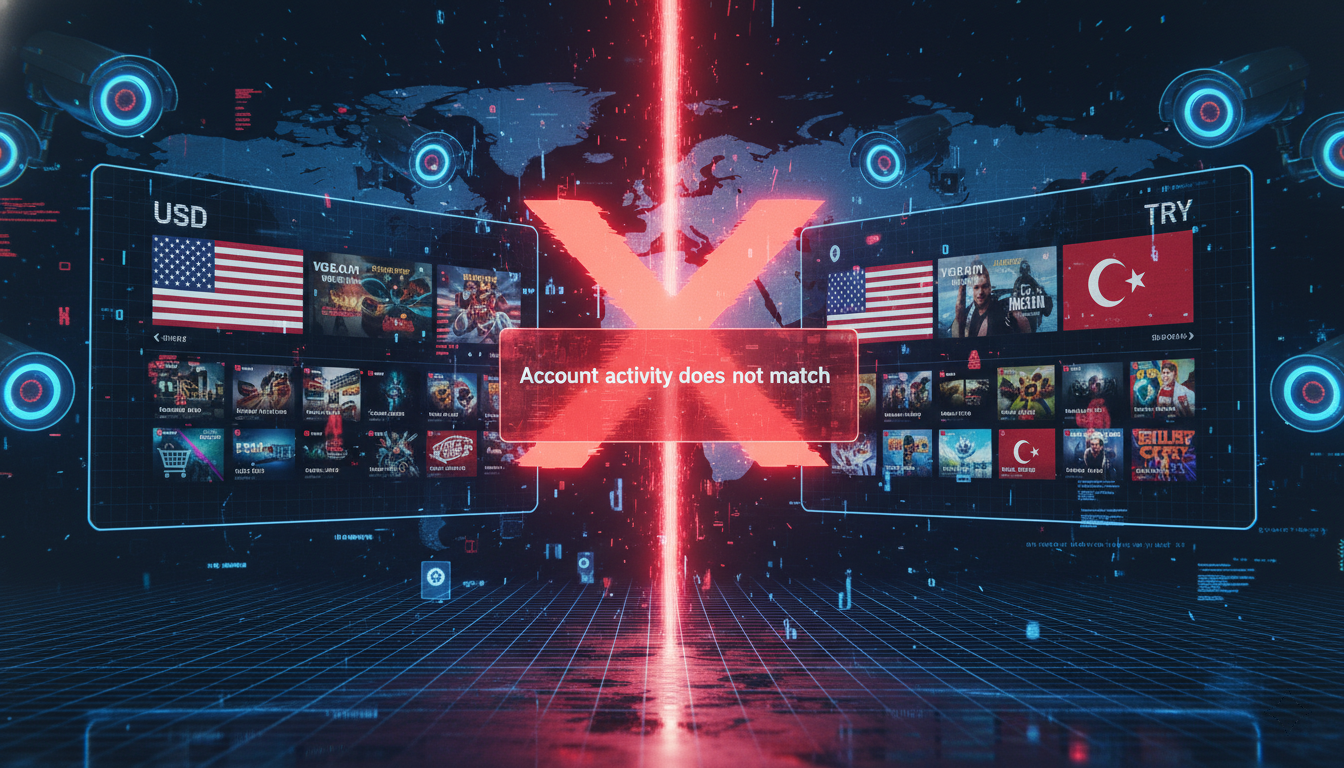
Valve’s official FAQ states: "Steam Families is intended for a household of up to 6 close family members."
In the old days, "Household" was just a suggestion. Now, it’s a hard technical check. When you send a Steam Family invite to a friend, Steam performs a background check:
-
Account Country: Is the sender’s Steam Store region the same as the recipient’s?
-
Activity History: Does the recipient’s IP address history match the sender’s general location?
The Scenario:
You have a US Main Account. You try to invite your "alt" account in Turkey (to use those cheap Lira games).
The Result: "Failed to accept family invite. Your account activity does not match the household."
Valve has effectively killed the "Cross-Region Mooching" strategy. You cannot mix a USD account with a TRY/ARS/CNY account anymore.
2. The Solution: The "Same-Region" Strategy
If you want to share games with your friends abroad (or your own alt accounts), you must unify your regions.
This is why we constantly recommend migrating to a US Region Account.
How it works:
-
Player A (You): US Steam Account.
-
Player B (Friend in Dubai): Changes their Steam region to US (using a US Gift Card from HC TOPUP).
-
The Invite: Since both accounts are now technically "American" in Valve’s database, the invite works.
Pro Tip: Once the family is formed, you don't need to be on the same IP address to play. You just need to be in the same store region to join. My "Family" has members in three different time zones, but we all use US Accounts.
3. The 1-Year Cooldown Warning (Read This!)
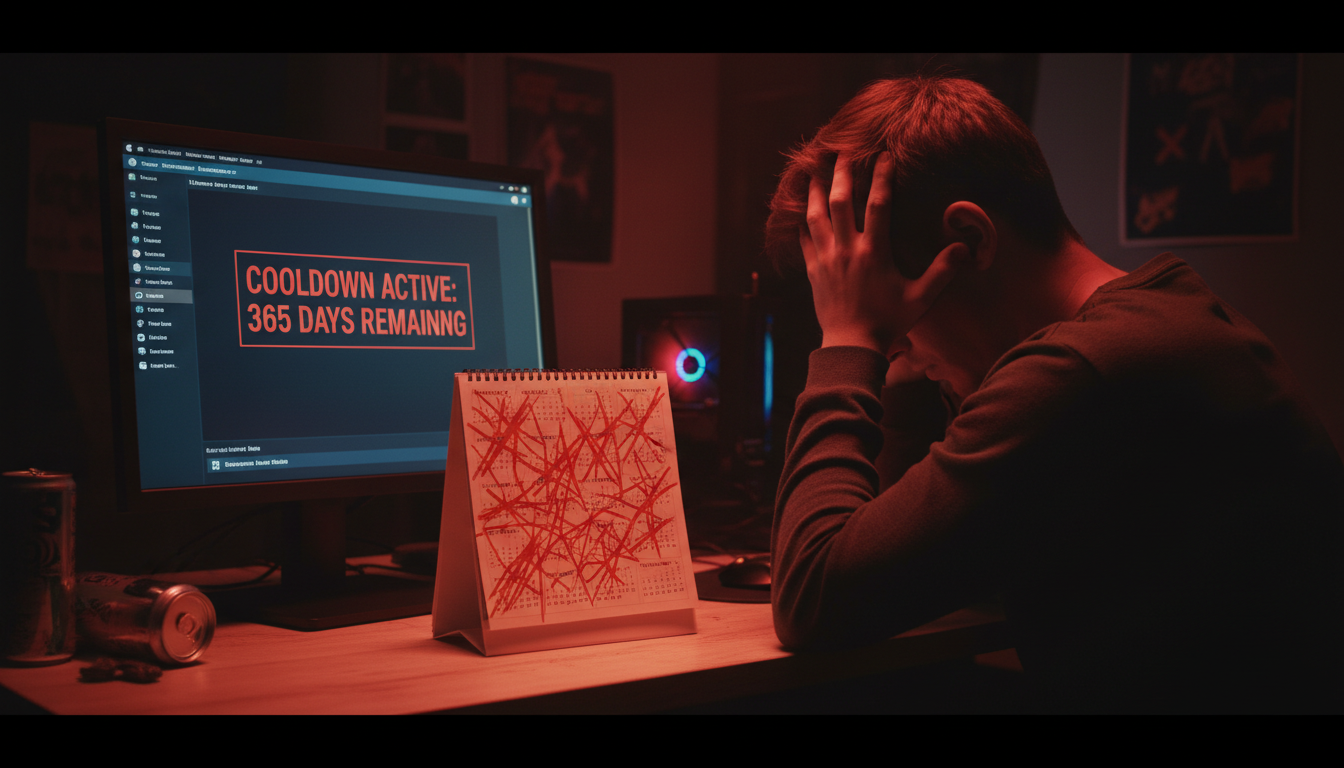
Before you go clicking buttons, be careful. Steam Families has a brutal cooldown system.
-
Leaving a Family: If you leave a family, you cannot join another one for 1 YEAR.
-
Kicking a Member: If you kick someone, that "slot" in your family is locked for 1 YEAR.
The Lesson: Do not test this with random strangers on Discord. Only form a Steam Family with trusted friends who are committed to staying in the same region (preferably US) for the long haul.
4. Why "Pooling" is the Ultimate Money Saver
Why go through the trouble of setting up US accounts for your squad? The math.
Imagine a group of 4 friends.
-
Friend A buys Call of Duty ($70).
-
Friend B buys Tekken 8 ($70).
-
Friend C buys Dragon’s Dogma 2 ($70).
-
Friend D buys FIFA/EAFC ($70).
In a Steam Family, everyone gets access to ALL 4 games.
You effectively paid $70 to access $280 worth of games.
The Setup:
-
Get everyone on a US Account.
-
Fund wallets with HC TOPUP Gift Cards (Instant delivery).
-
Form the Family.
-
Enjoy the massive shared backlog.
Ready to unify your squad?
Stop fighting region locks alone. Get your friends on the US server.
[Buy US Steam Wallet Codes Here]
👉 Return to Base: The Ultimate Global Gamer’s Guide
-400x400.png)