Sharing Tutorial: The "Home Console" Setup – One Payment, Two Players
Gaming is getting expensive. With AAA titles like Call of Duty, Mortal Kombat, and Star Wars hitting the $70 MSRP, the "Gaming Tax" on a household or a friendship is reaching an all-time high.
But what if I told you that you only need to buy one copy of a game for you and your best friend to play together? What if you only needed one Game Pass Ultimate subscription for two separate consoles in two different houses?
This isn't a glitch. This is the "Home Xbox" feature—a legitimate tool designed by Microsoft that the most "financially optimized" gamers have been using for a decade. Today, I’m going to show you how to set it up without getting your account flagged.
1. The Logic: Master vs. Guest
Every digital purchase you make on Xbox comes with two licenses:
- The Personal License: Any console you are logged into can play your games.
- The Home License: Any user on your designated Home Console can play your games, even if you aren't logged in.
By "swapping" these designations with a trusted friend, you create a shared ecosystem.
2. Step-by-Step Setup: The "Great Swap"
Let's say you are Player A and your friend is Player B.
- Exchange Credentials: You need to trust this person. Give Player B your login info, and they give you theirs.
- Player B logs into Your Account on their console. They go to Settings > General > Personalization > My Home Xbox and select "Make this my home Xbox."
- Player A (You) logs into Player B's Account on your console. You go to the same menu and select "Make this my home Xbox."
- Log Out: Now, log out of each other's accounts and back into your own.
.png)
3. The Result: Pure Savings
- Games: When Player A buys Call of Duty with a Gift Card from HC TOPUP, Player B can download it for free because their console is technically Player A's "Home."
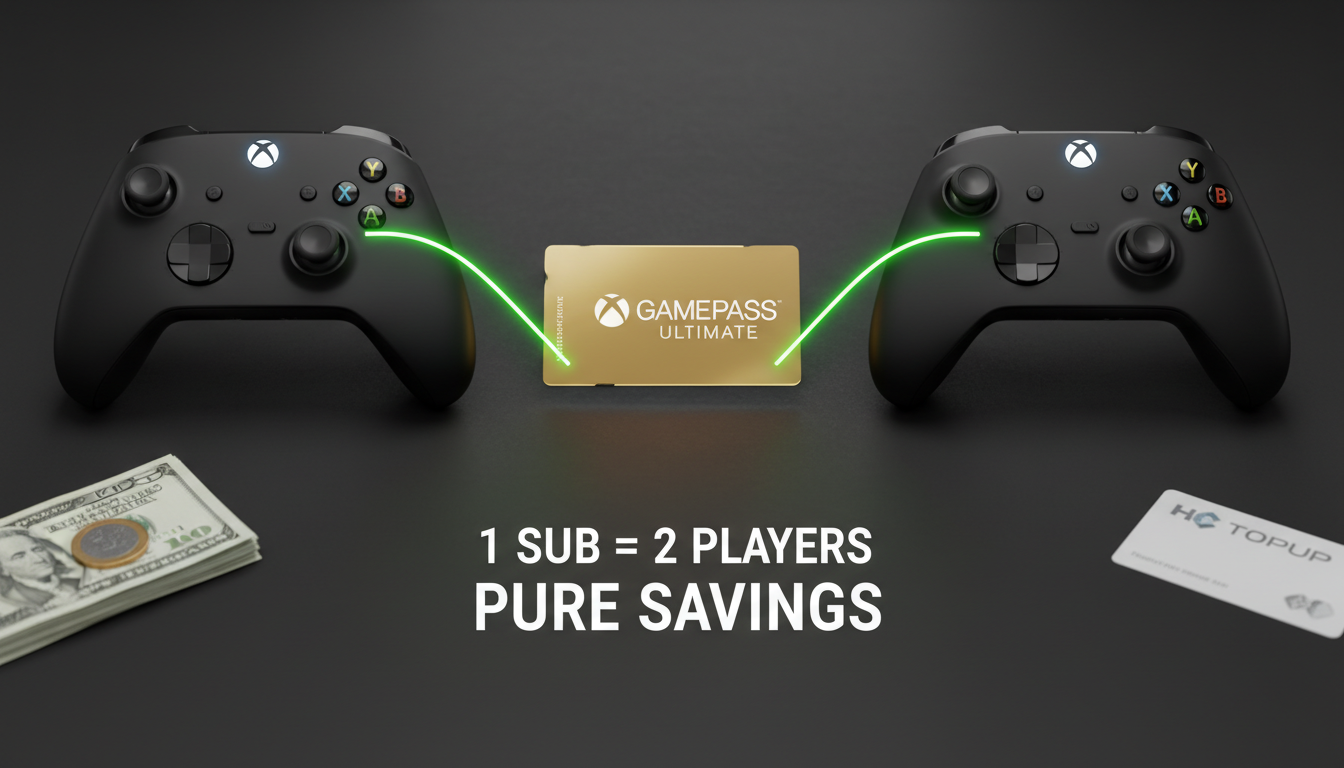
- Subscriptions: If Player A has XGPU, Player B gets all the benefits (Online multiplayer + Game Pass library) for $0.
Simultaneous Play: You can both play the same game, together in the same lobby, at the same time.
4. The Constraints: What You Need to Know
This sounds perfect, but there are three "Hard Rules" you must follow:
- The Internet Rule: Since your console is no longer your "Home," you must be connected to the internet to play your own games. If your internet goes down, you lose access to your digital library until it returns.
- The Trust Factor: Never do this with a stranger. They have access to your account.
- The Switch Limit: You can only change your "Home Xbox" 5 times per year. Don't rotate this too often, or you'll get locked out.
5. Funding Your Shared Library
Since you are splitting the cost, use HC TOPUP Gift Cards to manage the balance.
- Pro Tip: Instead of linking a shared credit card (which is a security nightmare), Player A and Player B can both buy $35 cards from us to fund the $70 purchase of a new game on the primary buyer's account. It’s clean, safe, and keeps your bank accounts separate.
.png)
Ready to cut your gaming costs in half?
[Buy Xbox Gift Cards for Your Squad]
👉 Return to Base: The Ultimate Global Gamer's Guide